AI tools are popping up everywhere—from grading hacks and lesson templates to custom songs for your students’ birthdays. But if you’re feeling like there’s too much out there and you’re not even sure where to begin, you’re not alone. If you;ve ever asked yourself, “How can I actually use AI in my classroom… and is it even worth the time to figure it out?” You are in the right place!
5 AI Tools K-2 Teachers Are Actually Using—And How
Curious how K–2 teachers are actually using tools like ChatGPT, Canva, and Suno? It’s not about flashy tech or complicated setups. It’s about simple ways to:
- Save time during planning
- Support students who need extra help
- Communicate more clearly with families
- Add a little spark to everyday routines
Below, you’ll find 5 teacher-approved AI tools plus exactly how early elementary teachers are using them right now in real classrooms.
1. ChatGPT
Think of ChatGPT as… your thinking partner for planning, problem-solving, communication, etc.
K–2 Teachers’ Favorite Uses: Student writing analysis! Teachers use ChatGPT to brainstorm support strategies and report that it is just like bouncing ideas off a teammate.
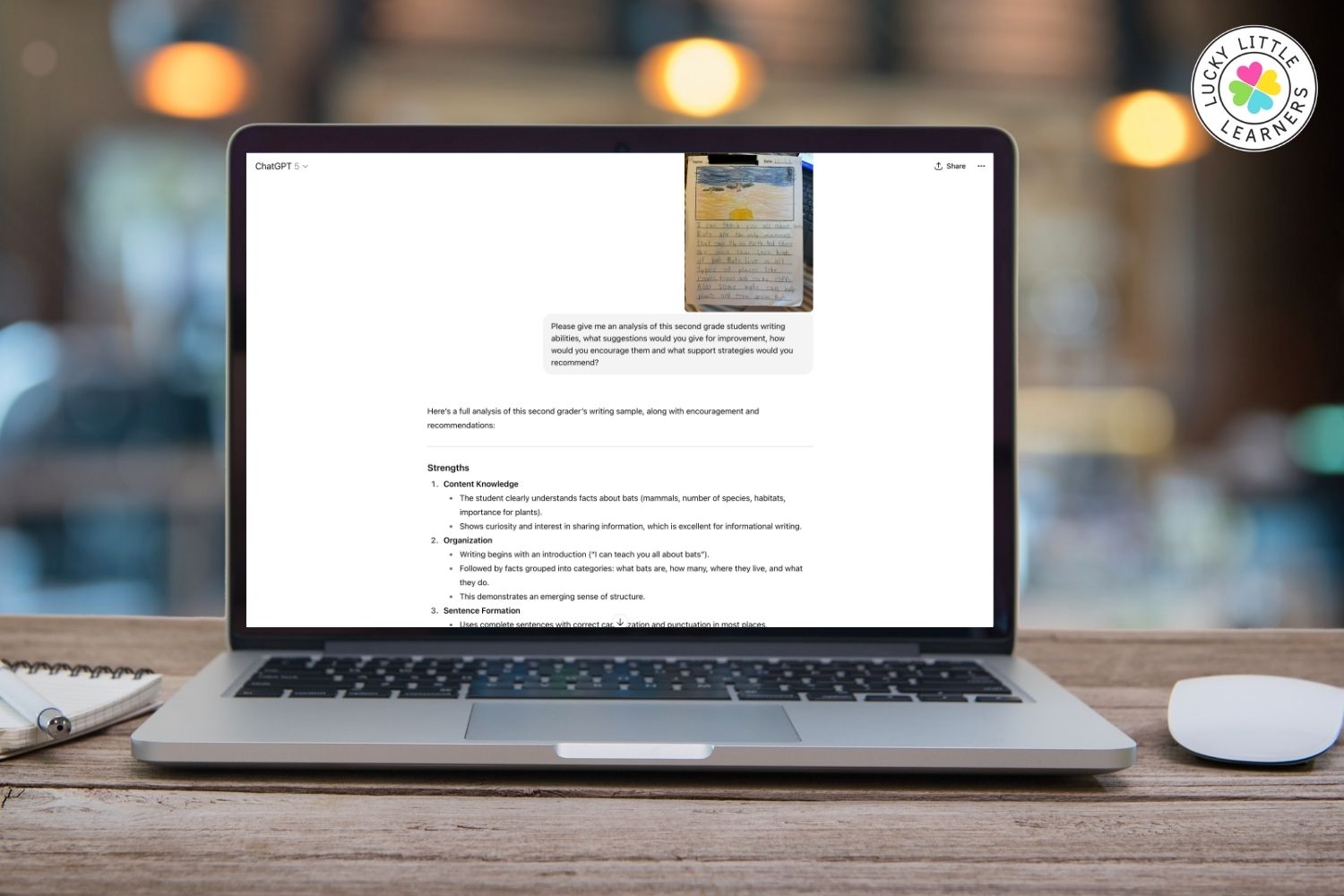
Other K-2 classroom wins:
- Draft kind, yet professional, parent emails
- Translate notes from English to Spanish (e.g., “Please help your child practice their address”)
Teacher Tip: Talk to ChatGPT like it’s a student teacher. Be specific, and it’ll be more helpful than a late-night Google rabbit hole.
2. Canva AI (Text to Image)
Think of Canva AI as… a place to create custom visuals for story prompts, bulletin boards, behavior charts- whatever you need!
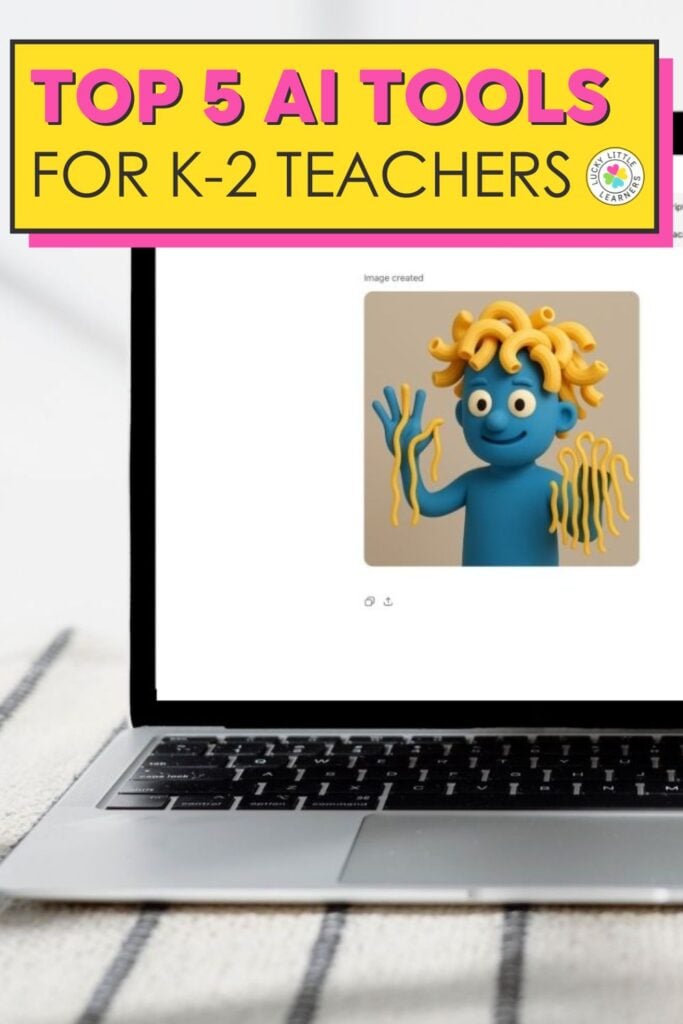
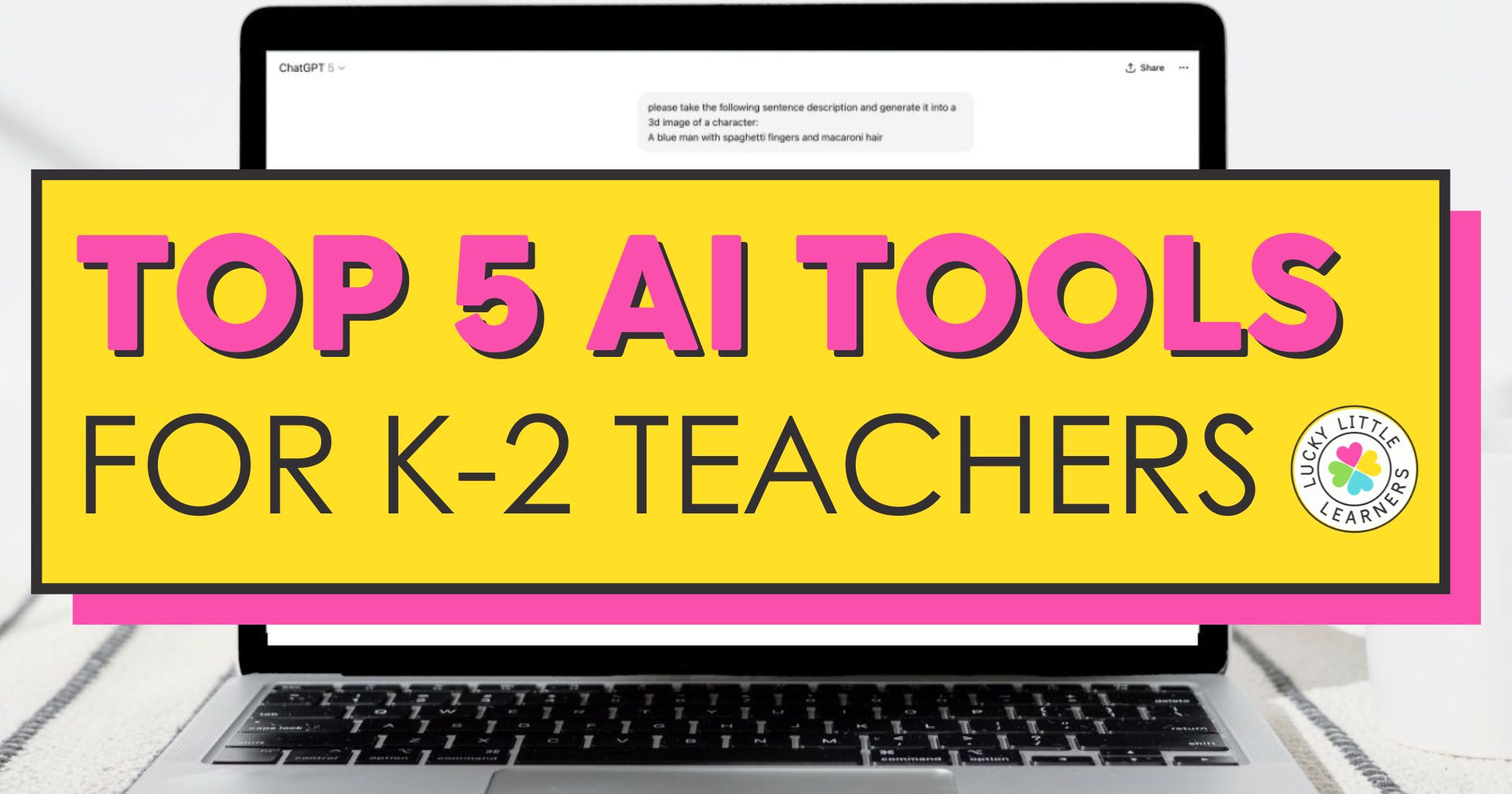
K–2 Teachers’ Favorite Uses: Turn silly student writing into hilarious illustrations that motivate reluctant writers. For example, one student wrote about a “blue man with spaghetti fingers” and AI turned it into an image he couldn’t stop laughing at (and writing about!).
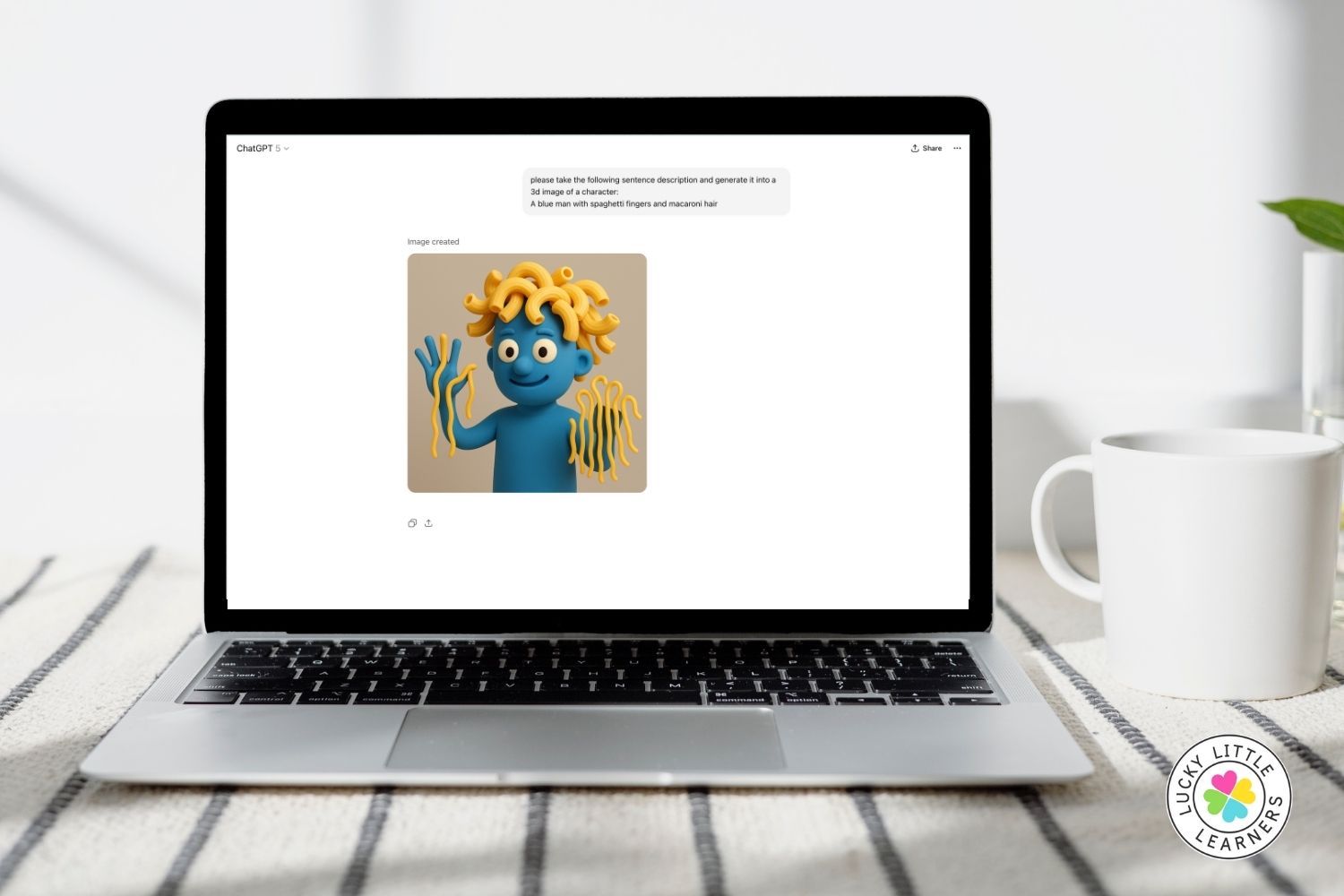
Other K-2 classroom uses:
- Visual cues for classroom routines
- Writing prompts (“Describe this made-up animal…”)
- Editable classroom posters
3. Suno
Think of Suno as… a way to generate fun, personalized audio for your classroom.
K–2 Teachers’ Favorite Uses: Make custom birthday songs—or sing reminders like “Please clean out your cubby” to a catchy beat.
Other K-2 creative uses:
- End-of-year celebrations
- Silly content songs for spelling or math facts
- Class rewards (song requests!)
Kids love hearing their name in a song!
4. Sora or Other AI Video Tools
Think of Sora as… a way to bring stories to life or teach digital citizenship.
K–2 Teachers’ Favorite Uses: Turn a student’s story into the script for a short, animated AI video. Great for reluctant writers who love seeing their ideas in motion.
Other K-2 uses:
- Media literacy mini-lessons (“Is this video real?”)
- Concept explanations when you can’t find the right YouTube clip
- Just-for-fun class videos
Bonus: Use this to start conversations about what’s real online—perfect for early digital citizenship!
5. NotebookLM / Gemini Deep Research
Think of NotebookLM as… your on-demand PD buddy and research assistant.
K–2 Teachers’ Favorite Uses: Ask AI why a student might write numbers backward—and get research-backed answers with sources, not guesses.
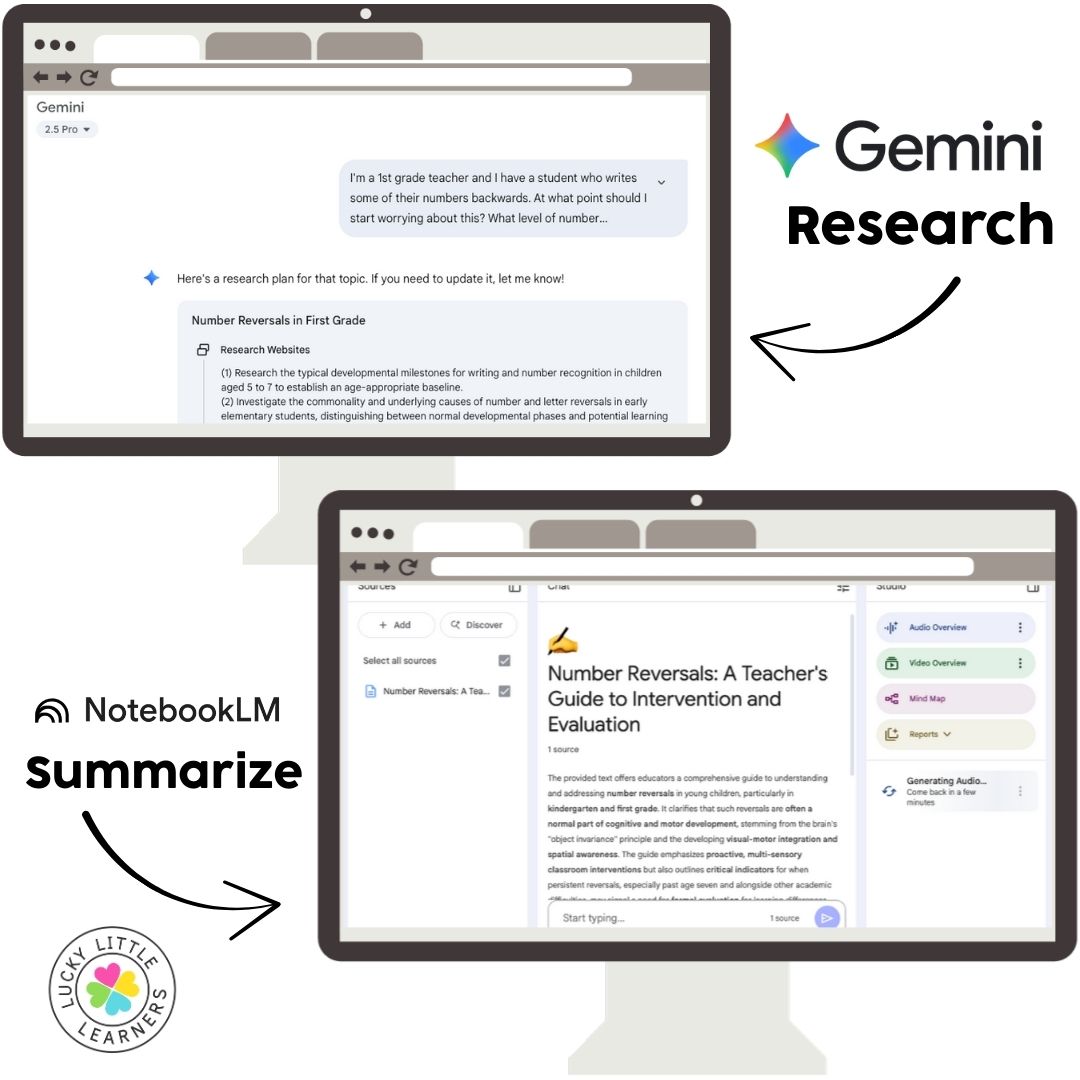
Other genius teacher uses:
- Summarize long PD articles
- Prep for IEP or RTI meetings
- Stay current on literacy and math strategies
No more late-night Googling—just ask your virtual assistant to explain it like a colleague would.
You Don’t Need to Master Every Tool
Now that you’ve seen what’s possible, you don’t have to learn it all at once. Start with just one tool. Try a birthday song. Ask ChatGPT for a parent email draft. Prompt Canva with a silly sentence from your student. The goal isn’t to become an AI expert, it’s to free up your time and energy for the parts of teaching you love most.
Check out 5 things AI can take off your teacher plate for more quick wins.
Want to Feel More AI-Confident?
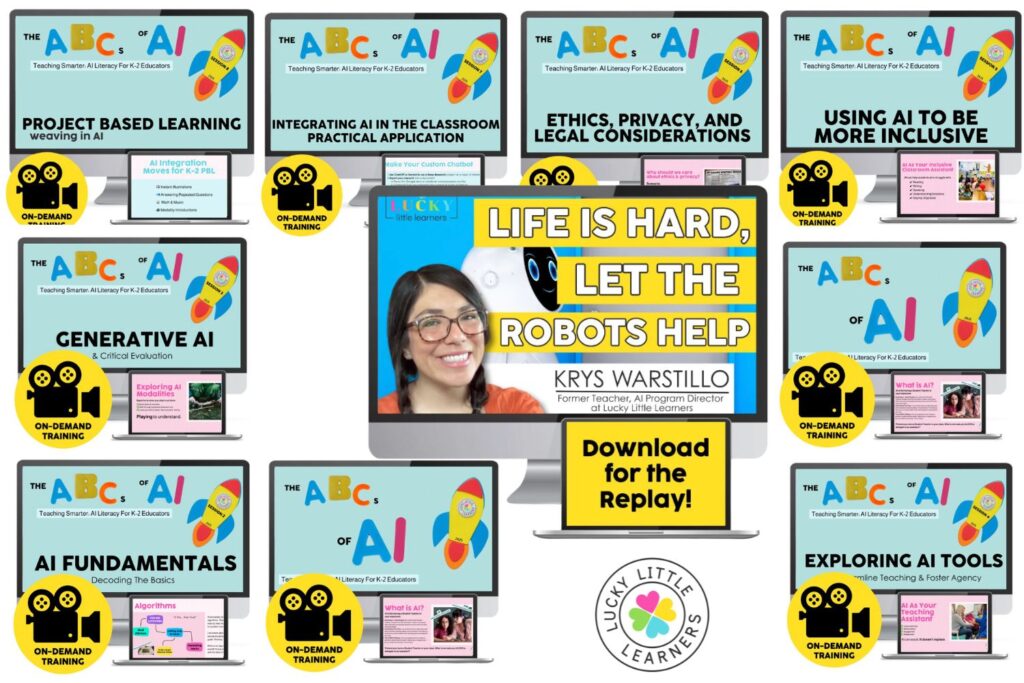
This post is just a preview of The ABCs of AI—our 8-session training series built just for K–2 teachers.
Each session walks you through AI concepts step-by-step, always with examples that make sense for your classroom. You’ll learn how to:
- Plan faster with AI
- Differentiate reading and math in seconds
- Create custom visuals and writing prompts
- Communicate with every family
- Use AI responsibly and safely
Whether you’re curious, cautious, or already dabbling, this series will help you feel ready—not behind.
View this full training and get instant access to all of our AI trainings for teachers.