You’ve seen the headlines. You’ve heard the buzz. And maybe, quietly, you’ve wondered, “What is AI, really… and do I even need to care about it as a K–2 teacher?”
If you’re feeling overwhelmed by all the talk—or even a little resistant—you’re not alone. Many primary teachers are asking, “I’m teaching kids how to hold pencils and be kind to each other… what does AI have to do with that?”
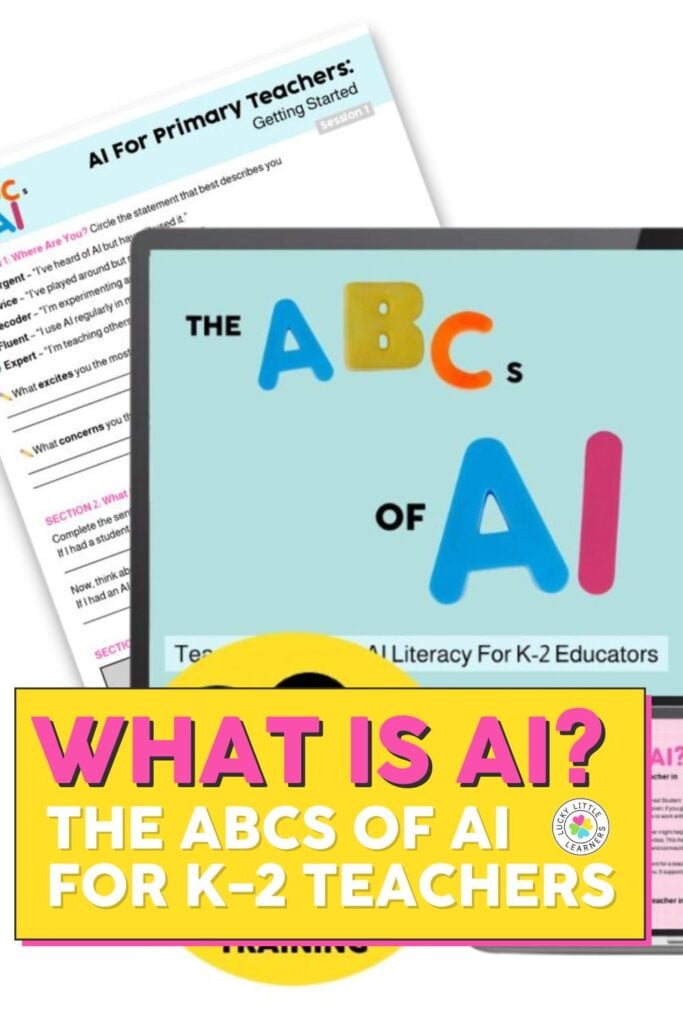
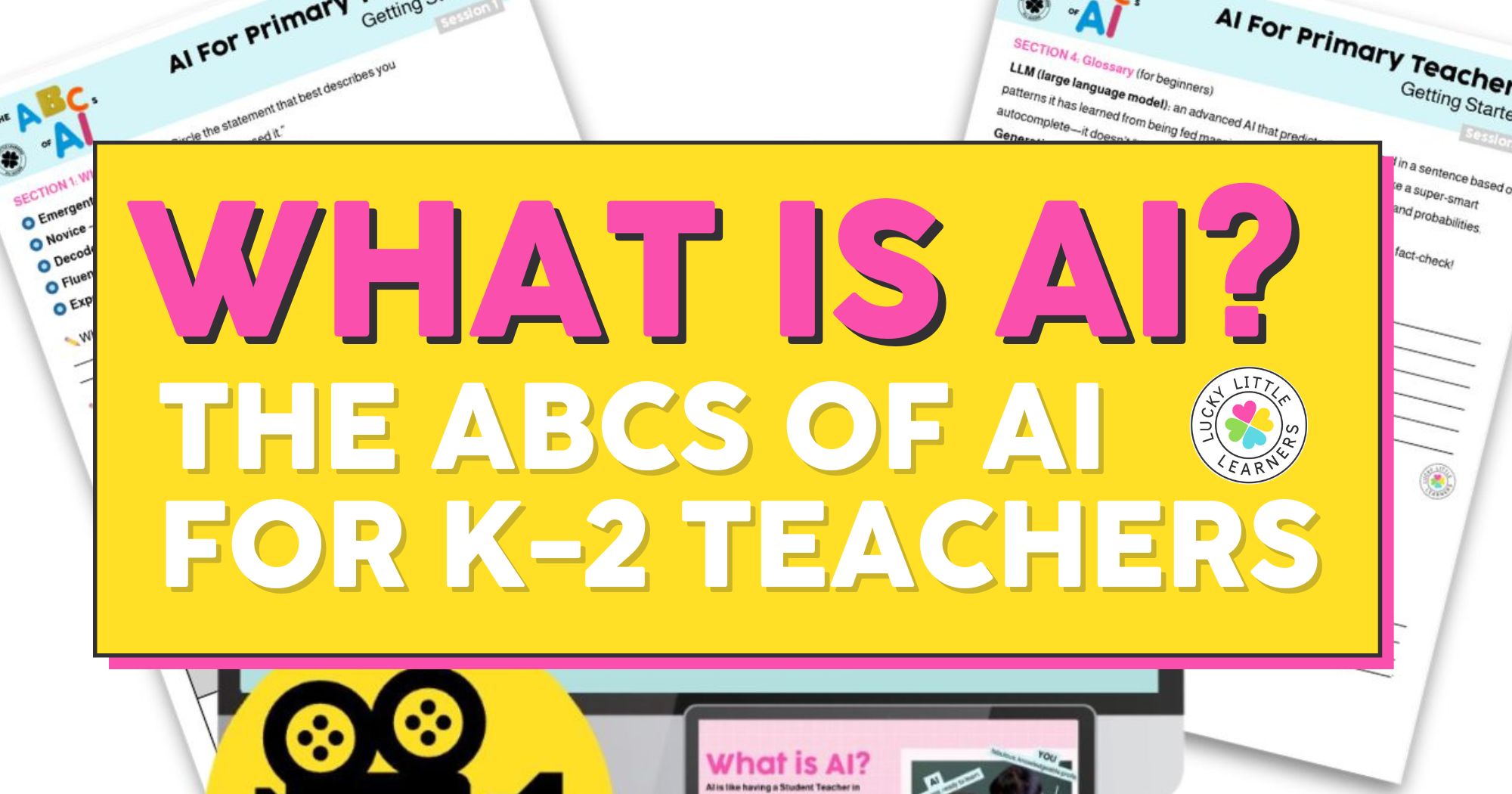
Session 1 of our ABCs of AI training series answers this question in the most down-to-earth way possible—by starting right where you are.
Let’s Get Real: You Don’t Need to Be a “Tech Guru”
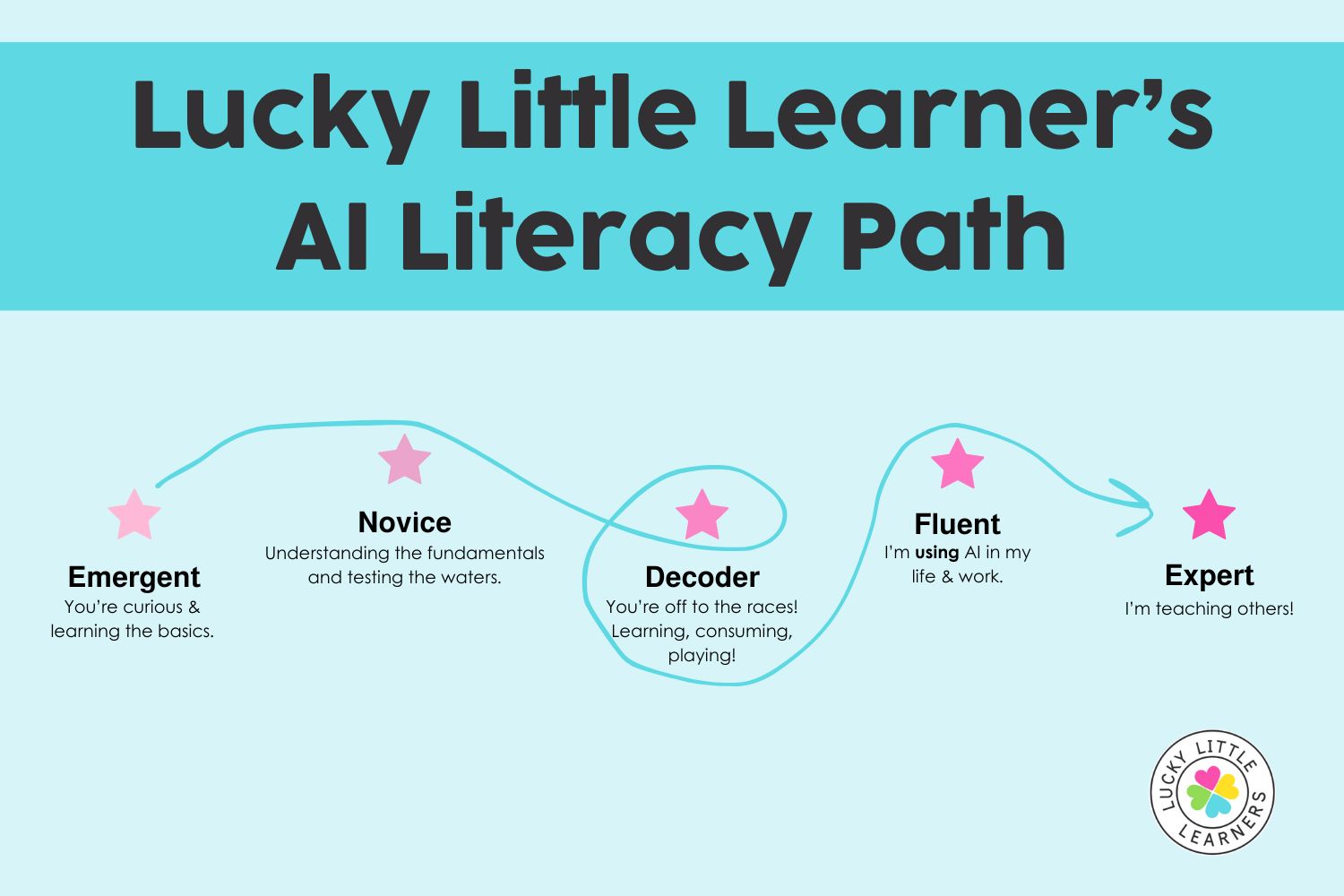
This first training is designed for what we call the emergents and novices—teachers who are curious about AI but also a little unsure or skeptical.
Whether you consider yourself tech-savvy or not, this session keeps things clear and relatable using real classroom language and examples.
What is AI? The Student Teacher Analogy
One of the most powerful takeaways from the session? Think of AI like a student teacher.
Just like a student teacher:
- AI can help you brainstorm lessons or manage repetitive tasks.
- AI can free you up to focus on what matters—teaching and connection.
- But YOU are the expert. You make the calls.
“AI isn’t replacing you. It’s supporting you—if you let it.”
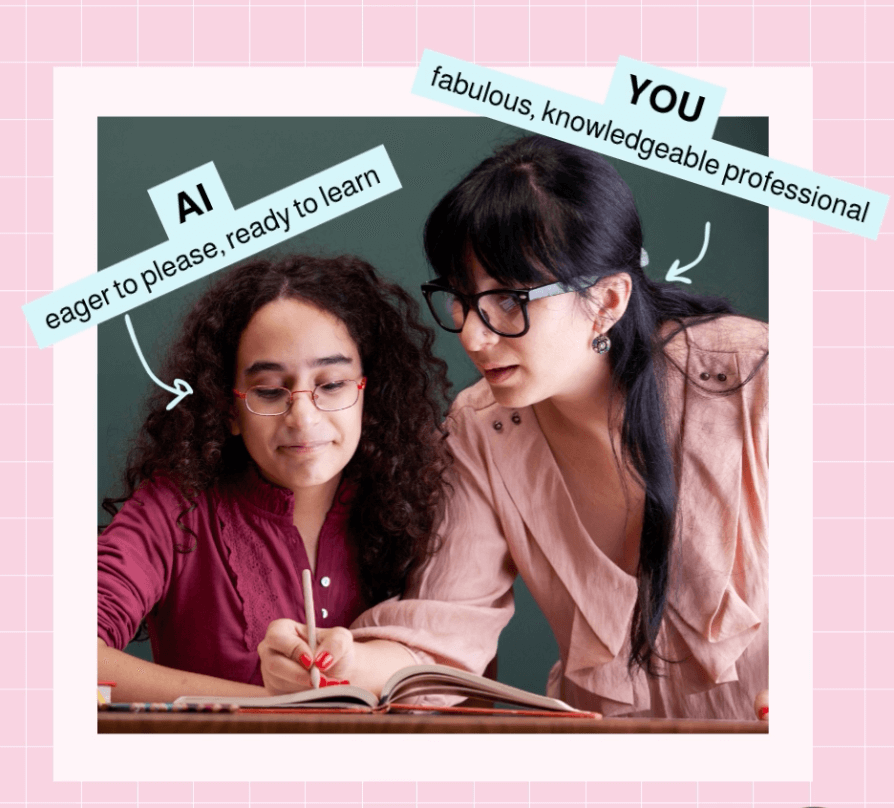
This simple shift in perspective makes AI feel more approachable… and more useful.
Why Should Primary Teachers Care About AI at All?
Great question. And Session 1 answers it honestly:
It’s easy to feel like AI is irrelevant when your day is filled with tying shoes and teaching letter sounds.
But here’s the thing—AI is already baked into tools you’re probably using:
✔ Google
✔ Lexia/Core5
✔ Canva
✔ ChatGPT
✔ Even your Spotify and Netflix suggestions
Ignoring it doesn’t make it go away. Learning the basics gives you the power to use it on your terms—without feeling lost or left behind.
Real Talk from the Workshop:
“We all know the real solution is smaller class sizes and more prep time. But if that’s not coming soon, what can we do to take something off our plate?”
This session doesn’t pretend AI will magically solve everything. But it does show how it can help with:
- Brainstorming lesson ideas
- Analyzing student work
- Generating visuals, prompts, or differentiated plans
- Organizing your digital chaos
Read more on 5 things AI can take off your teacher plate if you’re ready for some quick wins.
Check out our ABC’s of AI for K-2 Teachers Trainings.
AI Is Already in Your Classroom—Let’s Make It Work for You
One look at today’s edtech landscape and it’s clear: AI isn’t a trend. It’s a tool—and one that’s only going to grow.
But you don’t have to figure it out alone.
Watch the Full Training
This blog post only scratches the surface of what we cover in Session 1. Inside the full video training, you’ll get:
✔ The real definition of AI (in non-techy terms)
✔ A helpful glossary just for beginners
✔ A reality check on what AI can and can’t do
✔ Examples made for K–2, not high school
You’ll also get a downloadable teacher handout with myth-busting info, glossary terms, and reflection prompts to help you get started.
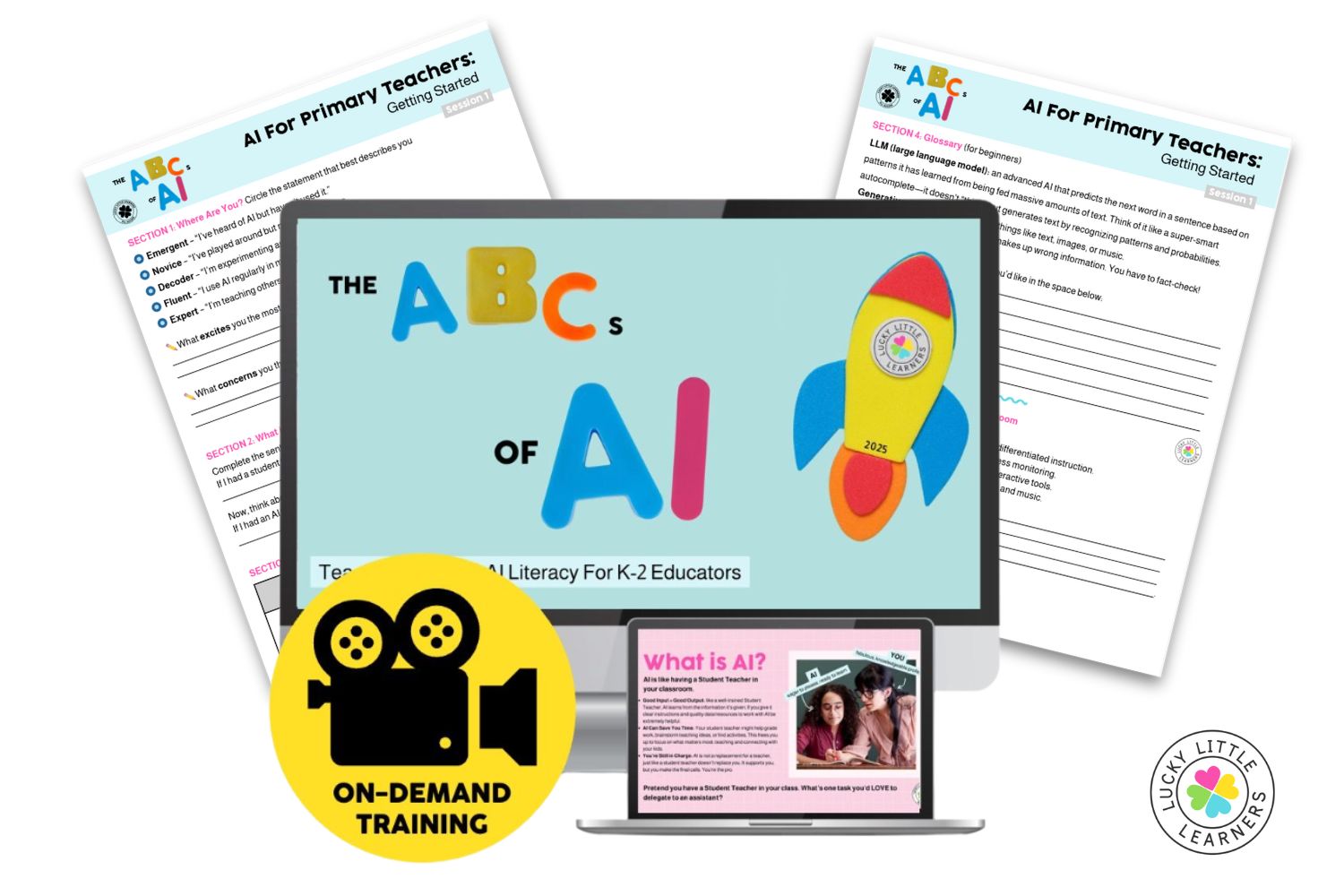
Watch this full training and get instant access to all our AI sessions built just for teachers.
More About “The ABCs of AI” Training Series
This isn’t another generic “K–12 tech” training. Those are fine—but let’s be honest, what works in a high school computer lab doesn’t always apply when you’re teaching 6-year-olds how to zip their coats and write a complete sentence. This is AI professional development built just for K–2 teachers.
In 8 short, practical sessions, you’ll go from Emergent to Expert, learning how to make AI your most helpful classroom assistant—like a student teacher who never runs out of energy, can generate a week’s worth of activities in minutes, and always speaks your students’ home languages.
Bonus: Each session includes examples made for your grade band—not recycled from high school scenarios.
Here’s a peek at what’s covered in the trainings:
- Understand the basics of AI and why it matters in K–2—not just upper grades.
- Learn what algorithms, data, and bias mean in ways that are easy to understand and relevant to your teaching.
- Explore tools that create text, images, audio, and video to help you build resources faster.
- Try out free tools for lesson planning, assessment, visuals, grading, and more.
- Instantly adjust reading levels, translate materials, and support every learner with less effort.
- Learn how to use AI responsibly and keep your students’ data protected.
- Create AI helpers for real classroom needs—like centers, schedules, and student feedback.
- Use AI in simple ways to boost creativity, digital citizenship, and engagement in your PBL units.

Let’s take the mystery out of AI, one simple step at a time!