AI tools are everywhere right now—from lesson planning to parent communication to birthday songs (!). But with so many new tools and updates, it’s no wonder K–2 teachers are feeling unsure about where to start.
You might be wondering, “How can I actually use AI in my classroom… and is it even worth the time to figure it out?”
In Session 3 of The ABCs of AI, we walk through five practical ways you can use AI—even if you’re not tech-savvy—to make your life easier, your planning faster, and your students more engaged.
Training Session: How Teachers Can Use AI
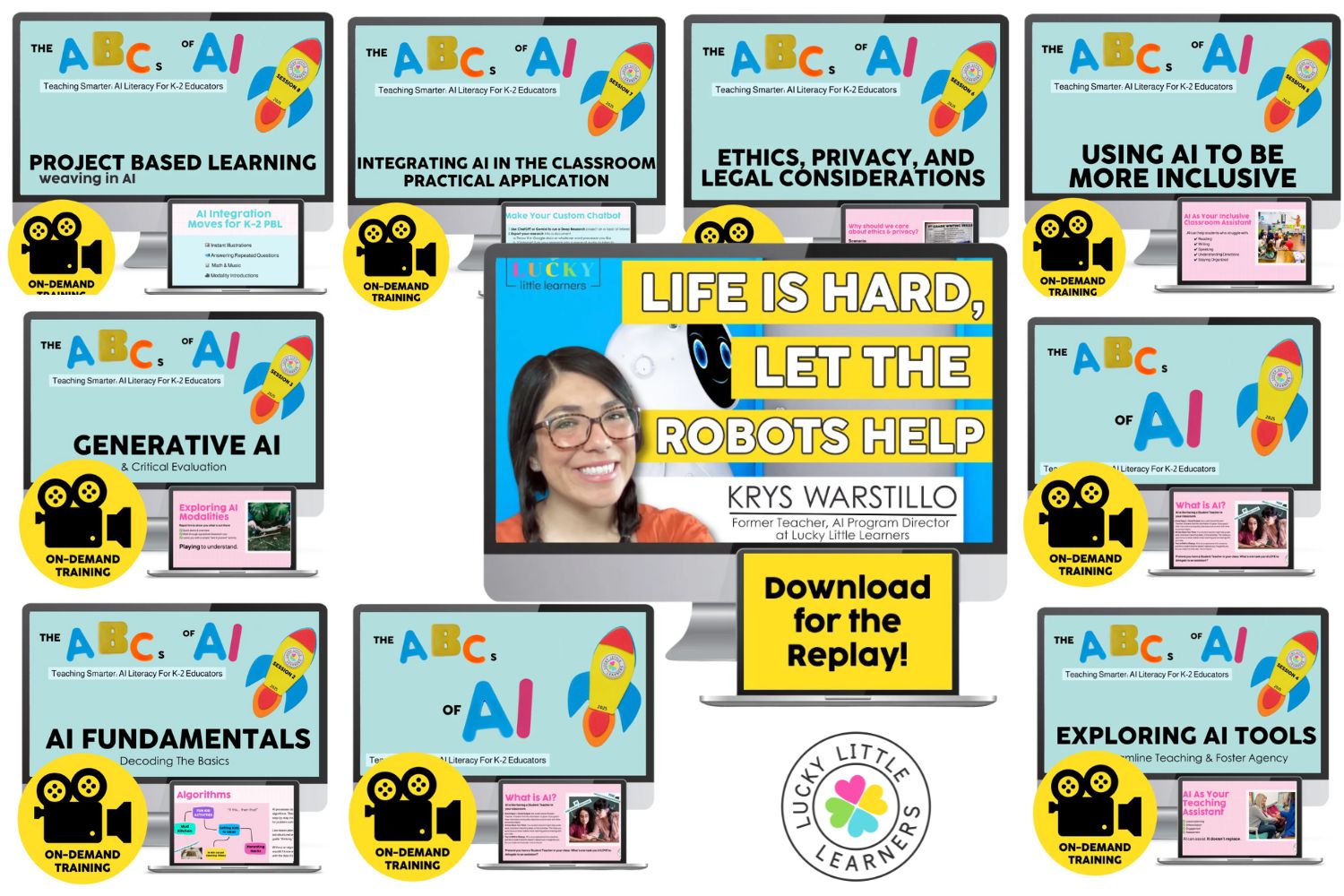
Instead of focusing on one complicated tool, our ABCs of AI training series gives you a broad overview of what’s possible with today’s AI tools, using teacher-friendly examples that make sense for early elementary classrooms. It’s not about using more tech—it’s about using it smarter.
So what does “using AI smarter” actually look like in a K–2 classroom?
Let’s take a look at some simple, time-saving ways real teachers are using AI right now—to support students, communicate with families, and even bring a little fun into the school day.
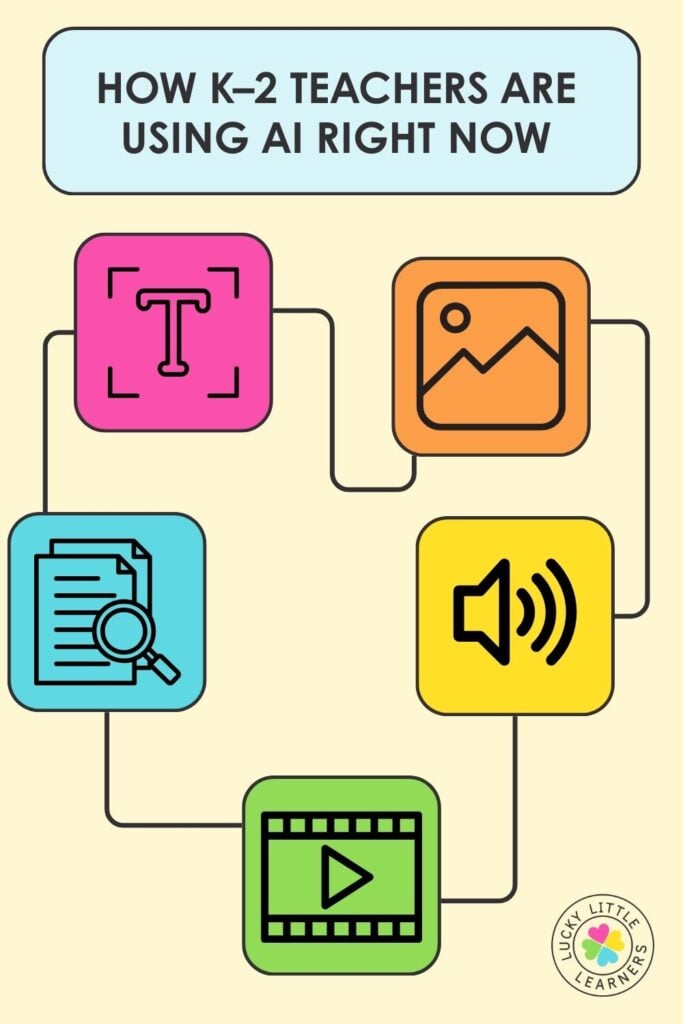
Here are 5 ways K–2 teachers are already finding success with using AI:
1. Brainstorm and Translate with AI Text Tools
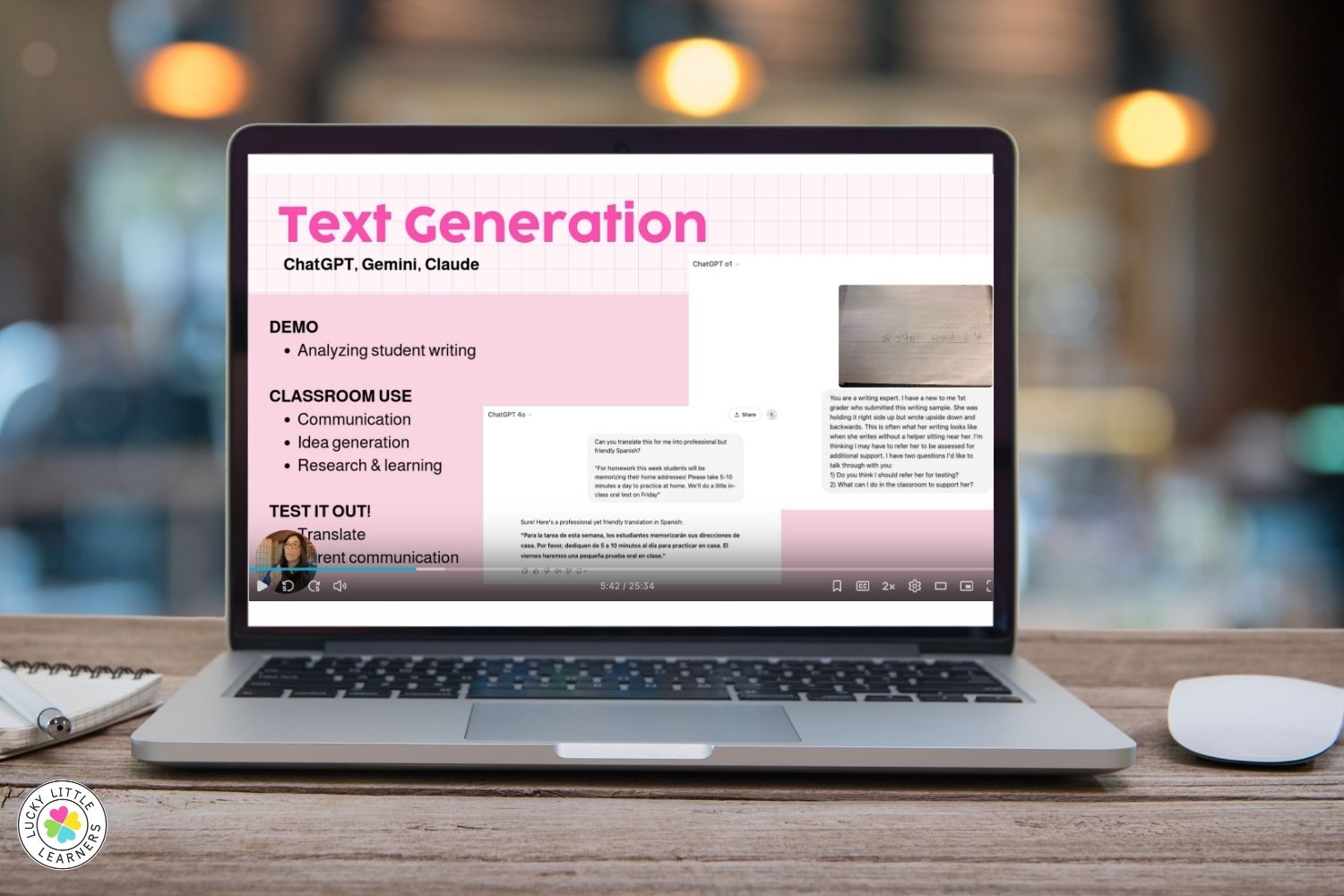
Tools like ChatGPT and Gemini can help you:
- Brainstorm classroom strategies
- Draft parent emails in a warm, professional tone
- Translate communication into other languages quickly
Idea: Use ChatGPT to analyze a student’s backwards writing and brainstorm classroom strategies just like bouncing ideas off a colleague after hours.
2. Create Writing Prompts and Visuals with Image Tools
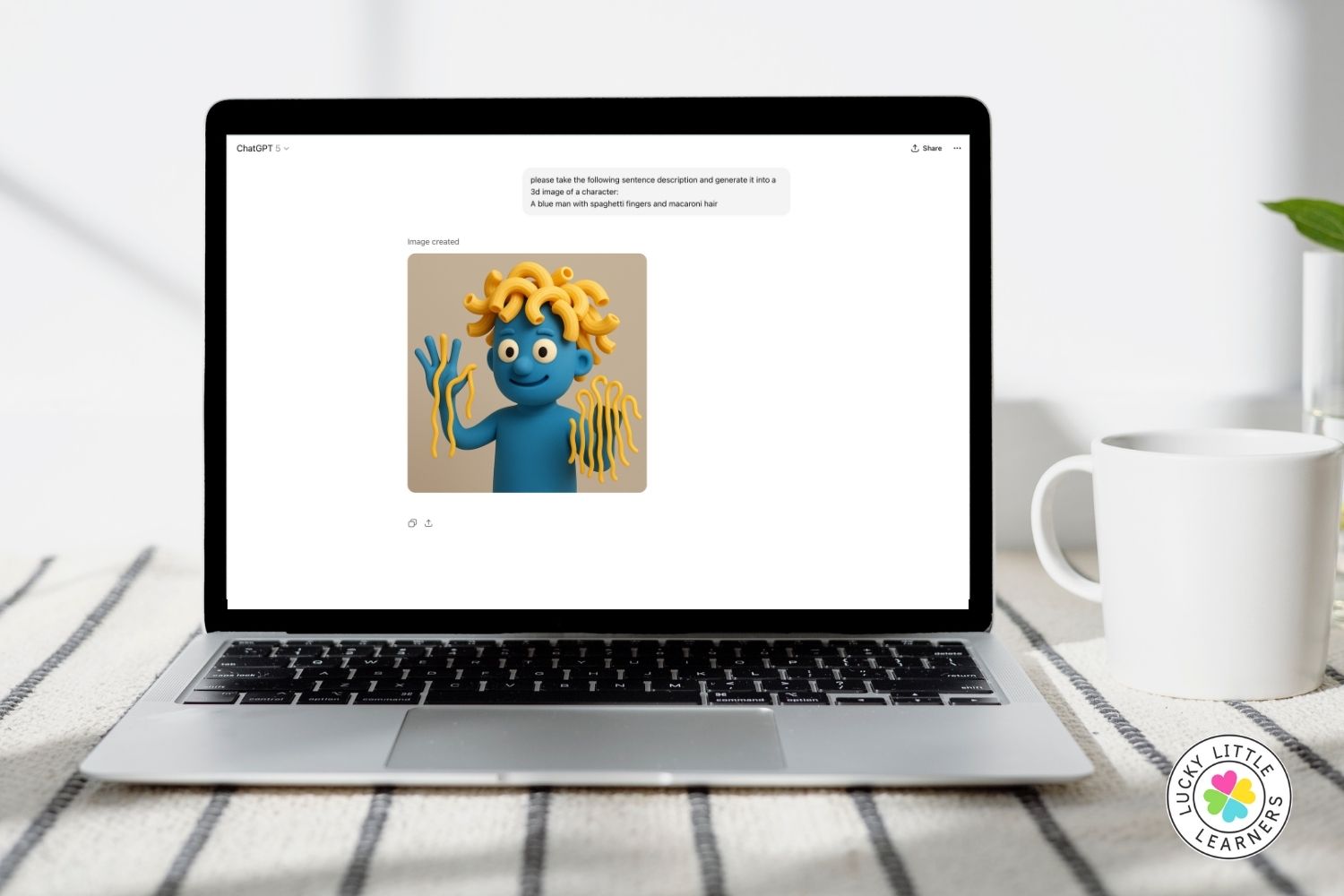
AI tools like Canva’s text-to-image feature or DALL·E can turn silly sentences into storybook illustrations, writing prompts, or visual supports.
Example: One student wrote a story about a spaghetti-fingered blue man—and AI turned it into a hilarious image that kept him excited to write more.
Try it: Ask AI to draw a made-up animal and have your students write 3 descriptive sentences about it.
3. Generate Fun Audio for Celebrations or Class Projects
Using tools like Suno, teachers have created personalized songs for birthdays, end-of-year celebrations, or even parent reminders.
Think: “Please clean out your cubby” sung to the tune of a pop song. Kids love it, and it’s surprisingly easy to do.
4. Bring Student Stories to Life with Video Tools
Some tools let you turn written stories into short AI-generated videos. While the quality is still evolving, it can be a fun way to engage reluctant writers—or talk to students about media literacy and the importance of verifying video content.

Bonus idea: Use AI-generated videos to teach that not everything on the internet is real—perfect for digital citizenship.
5. Use Research Tools to Save Time and Learn More
AI doesn’t just make content—it can help you understand it too. New tools like NotebookLM or Gemini’s “Deep Research” mode let you:
- Summarize dense PD documents
- Ask follow-up questions on research
- Stay current on classroom strategies, behavior supports, or developmental milestones
Example: Ask your favorite AI tool why a student might write numbers backward and get research-backed strategies with real citations—no Googling for hours required.
You Don’t Need to Master Every AI Modality
Now that you’ve gotten a peek at what’s possible, you don’t need to dive into everything at once. Just start with one small way AI could make your teaching life easier. When you’re ready to go deeper, pick up right where this post leaves off—with a hands-on look at how to actually use the tools we covered here.
Want a few more ideas in the meantime?
👉 Check out 5 things AI can take off your teacher plate for quick, practical ways to save time right away.
Ready to Feel More AI-Confident?
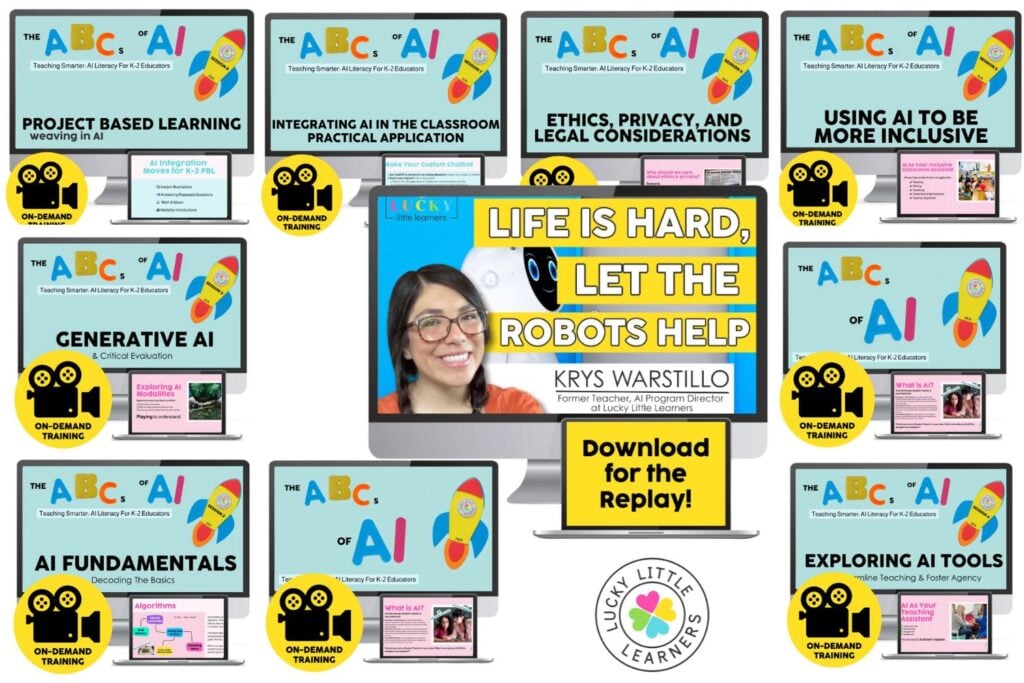
This is just one piece of the full ABCs of AI series—an 8-session training built just for K–2 teachers who want to use AI without the overwhelm.
Each session builds your confidence step-by-step, with real classroom examples, time-saving tips, and tools you can actually use with young learners. You’ll learn how to:
- Plan faster with AI
- Differentiate reading and math in seconds
- Create custom visuals and writing prompts
- Translate parent communication instantly
- Use AI safely and responsibly in your classroom
Whether you’re curious, cautious, or already experimenting, this series will meet you where you are—and help you feel equipped, not behind.
View this full training and get instant access to all of our AI trainings for teachers.